

This project started out with constraints like a
non-tech-savvy audience and stakeholders. This shaped most design decisions.
We were dealing with a system where organisations control what their members can do, acting as a central layer for permissions and access. The target audience in this testing phase being school authorities and members brought in challenges around slower flows and the need for guided interactions.
The goal of this phase was to validate how users interact with structured flows and organisation-controlled systems in a real-time setting.
This meant we had to make a few important decisions early on.


#1 Designing for non-tech-savvy users
The primary test audience being school systems, we prioritised familiar patterns over novel ones. The same app was to be used by students and teachers having different usage behaviours, which had to be accounted for.
We introduced slower and guided flows to reduce friction and improve clarity.
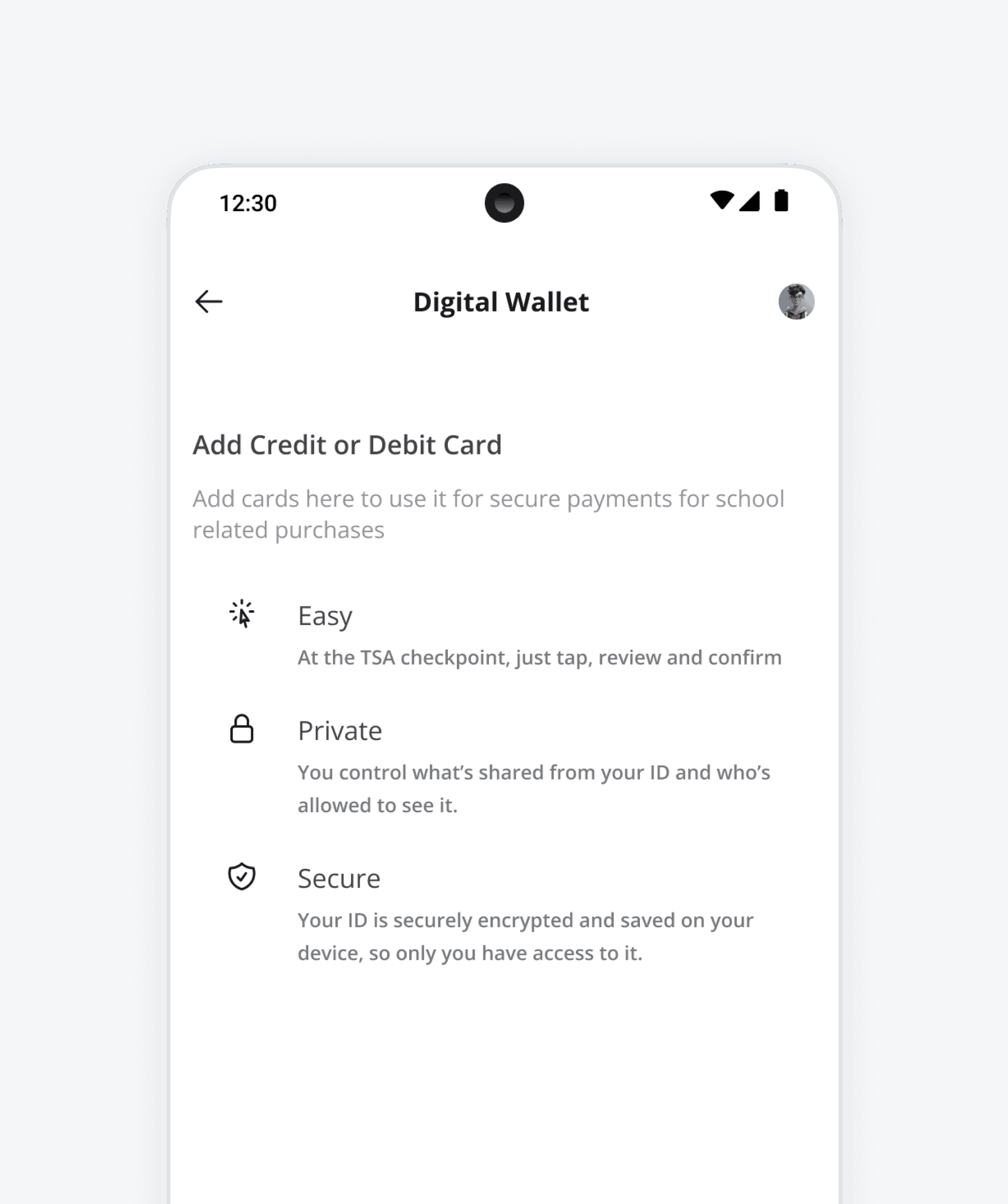
For example, in the digital wallet flow, when users proceeded to add and verify their cards, interactions were designed to guide them through the process:
A quick guide option to help users understand how to tap and pay.
Easy navigation for actions like setting up a default card.
Flows were designed to guide users without needing too much effort from their end.
With user behaviour in mind, the next challenge was to figure out the working of the system itself.


#2 Structuring around org-controlled data
The system was built around organisation-controlled access where access and actions depend on what the organisation enables.
The organisation defines the system and permissions
Users interact within that defined capacity
Features are dependent on the organisation layer and remain scalable
This ensured that the app could adapt across different organisations while maintaining control at the top level.
Once the system was defined, the question was what to actually design for this phase.




#3 Scoping flows for testing
Flows were scoped to validate key interactions during early-stage testing.
We didn’t design everything. We focused on a few flows that would help us understand user behaviour and system interactions:
Organisation members could onboard without friction and start interacting with the app
Parent organisations controlled major functionalities while users interacted within those boundaries
Features like digital wallet, loyalty, and calendar were selected to test how these systems fit into day-to-day usage
This allowed us to focus on validating critical parts of the experience instead of building out the entire system.
Among these, one flow stood out in terms of complexity.


#4 Breaking down the wallet flow
The wallet flow became the most important flow to test, as it involved multiple steps and more complex interactions. With Apple and Google wallets as base, we wanted to ease it out even further.
The goal was to break down a complex process into smaller steps while maintaining clarity and control.
Passive guidance was introduced at each step
Personalised and secure information handling was prioritised
The wallet flow was embedded within the app without requiring external connections
This helped test how users navigate multi-step processes within a controlled system.
Bringing these together, the product started taking shape.
Next Steps
The parallel phases involved looking at competitors while simultaneously testing with potential users. These insights are being considered for further iterations and future designs.


The Impact
Impact was measured through testing sprints and iterations,
Broke down complex flows into smaller steps to improve usability
Designed for clarity under chaotic constraints
Used early-stage testing to validate interaction patterns